🔧 Troubleshooting Guide
Is your radio behaving strangely? Check the common solutions below.
💻 Programming Issues
“Radio did not respond” (CHIRP)
This is the #1 most common issue.
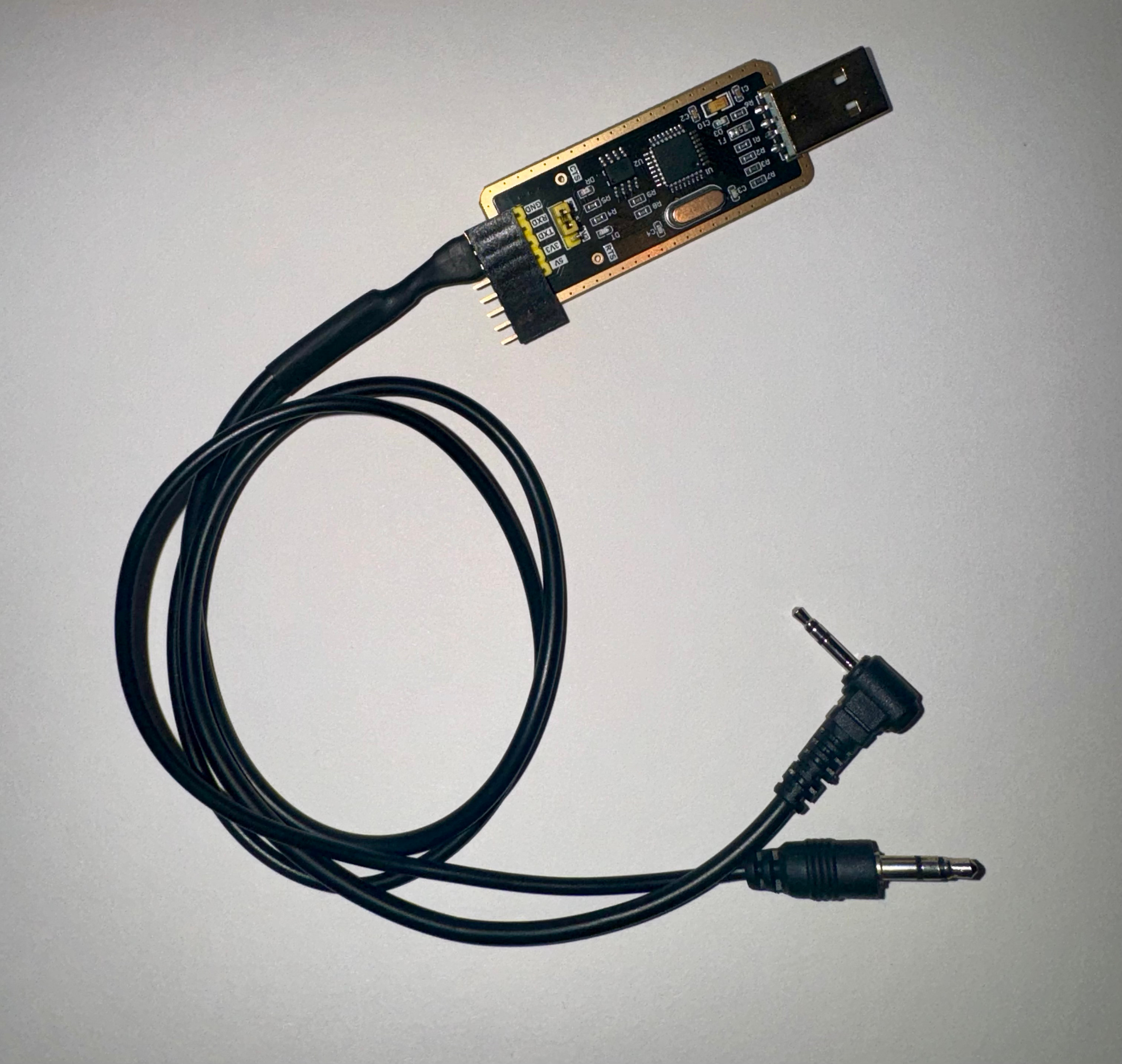
- Connection: Ensure the 2-pin connector is pushed all the way in. It should click.
- Power: Ensure the radio is turned ON and the volume is up.
- Drivers: Open Device Manager (Windows). If you see a yellow triangle, you need to install the correct cable drivers.
- Model: Ensure you selected
Baofeng->BF-888Sin CHIRP.
Cable not recognized
- Try a different USB port.
- If using a USB hub, try plugging the cable directly into the computer.
📻 Audio & Transmission Issues
“I can’t hear anything”
- Squelch: Your squelch might be too high. Hold the small top button on the side (Monitor) to hear background static. If you hear static but no voices, you are on the wrong frequency or they are using a privacy tone you haven’t programmed.
- Volume: Check the right top knob.
“Others can’t hear me”
- PTT: Ensure you are holding the PTT button for a full second before speaking.
- Tones: If the receiving radio has CTCSS/DCS enabled, you must transmit the exact same tone.
- Range: UHF signals are blocked by hills and large buildings. Try moving to a higher location.
🔋 Battery & Power Issues
Radio won’t turn on
- Ensure the battery is clicked firmly into place.
- Charge for at least 3 hours. The charger light should turn green when finished.
Charger flashes red/green
- This often indicates a bad connection between the radio and the charging cradle. Try cleaning the metal contacts on the back of the radio with a tiny bit of rubbing alcohol.
🛠️ Still Stuck?
If you’ve tried everything and your cable still won’t work, some users have success building their own DIY programmer using a generic USB-to-TTL adapter.